Your plans, on the ground, in your pocket.
Walk your plans, the Hive at the center, and free sharing for everyone on the job.

Your plans, on the ground, in your pocket.
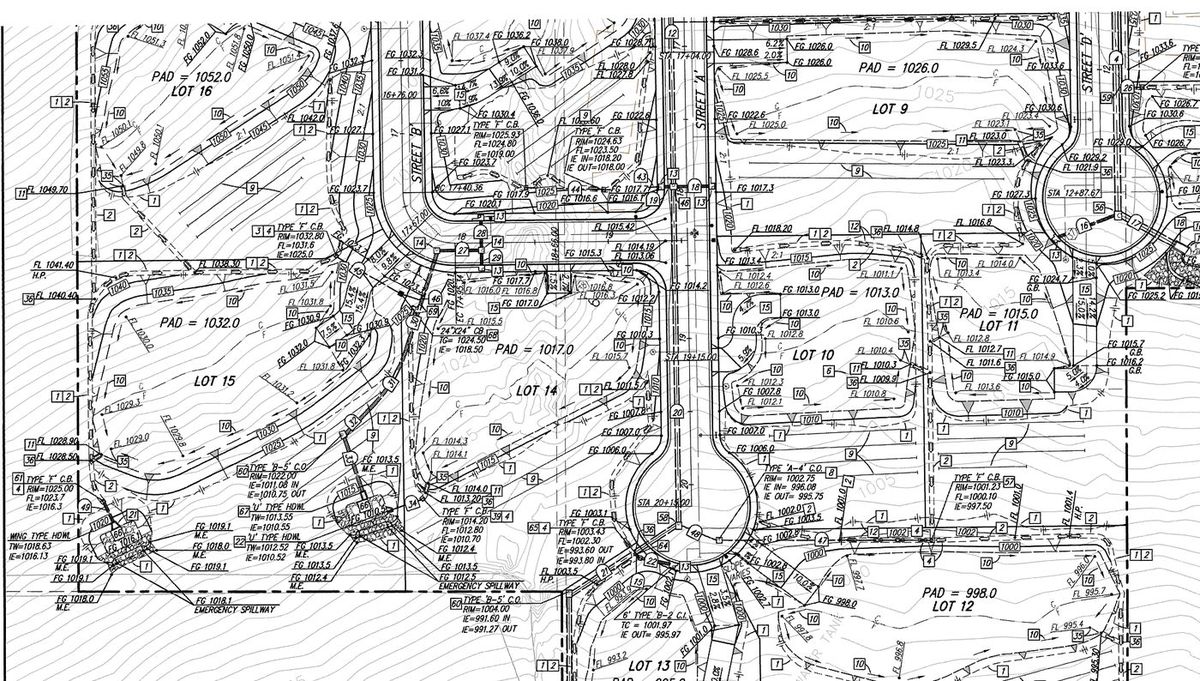
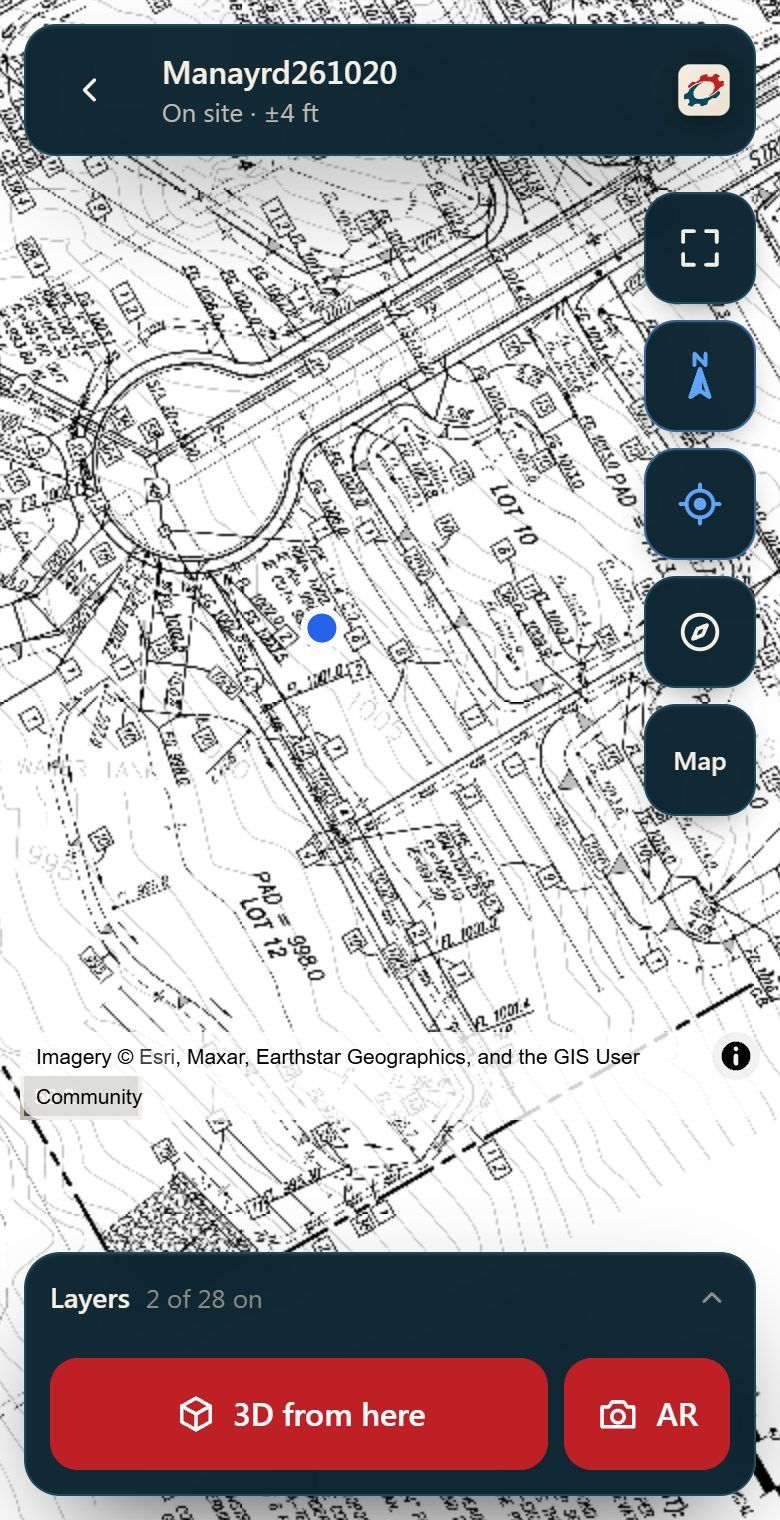
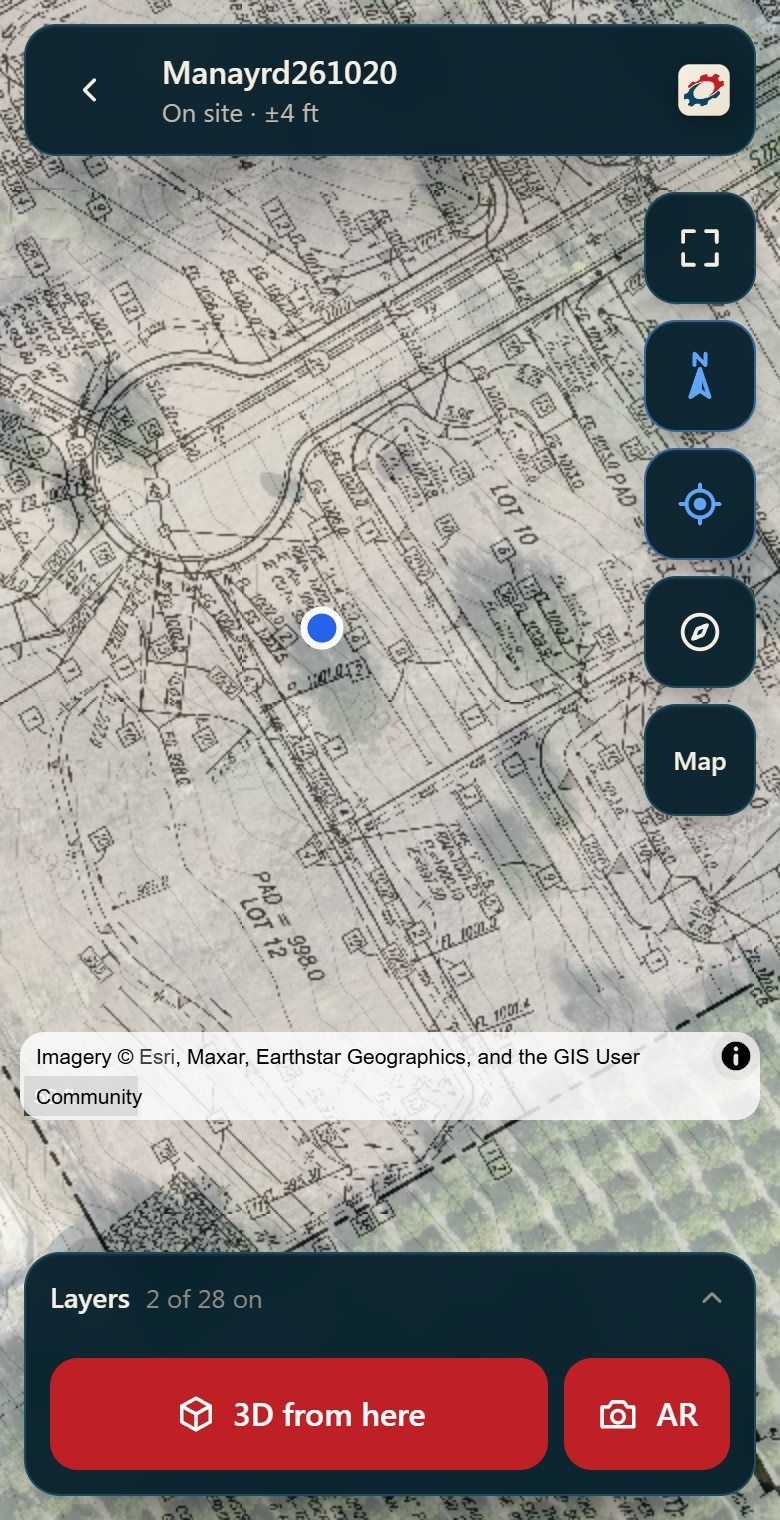
Load your plan set to scale, line it up on the site once, and walk the job on your phone. See exactly where the office drawings land on the real ground.
- Load the plans. The sheets you already have, to scale.
- Line them up once. Done in the office. No calibration in the field.
- Walk the job. Your spot on the plan, wherever you stand.
For everyone who works from plans: grade checkersforemensuperintendentsPMsGCsowners
Everything comes home to the Hive.
One place for all of a company's job data, and simple tools around it that fill it just by doing the work.
- 1
Hive + Hive Desktop
The center of the platform, where all your data is stored. Each company builds its own Hive: plans, drone surfaces, photos, field shots and documents for every job.
- 2
The Hive manager
One administrator runs the company's Hive and controls everything in it: who is on the team, what goes in, and who it is shared with.
- 3
Busy bees bring it home
Grade checkers and crews in the field, plus drone flights through Hummingbird, bring their work back to the Hive just by doing their jobs. No manual syncing, no hunting through old files.
- 4
Hive Intelligence
Turns all of that collected data into quick answers and useful information, right when you need it.
Share your jobs with anyone. They view free.
The Hive manager picks who sees what. Owners, engineers, inspectors and subs just download the free DirtWorks app and open what you shared with them. No extra subscriptions, no long setup, just the data they need.